For iOS developers, coding is often only half the battle. Managing app distribution and post-launch maintenance can be incredibly tedious:
- Repetitive Metadata Updates: Translating and updating app titles, subtitles, keywords, and release notes (“What’s New”) for multiple locales usually involves tedious copy-pasting on the App Store Connect web portal.
- TestFlight Management: After uploading a new build via Xcode, you have to log in to the web console, wait for processing, declare export compliance, write testing details, and manually distribute it to testers.
- Certificates & Provisioning Profiles: Creating Bundle IDs, request certificates, and generating profiles remains a manual, multi-step chore.
- App Reviews & In-App Purchases: Monitoring customer reviews, submitting replies, and filling out complex tables for new IAPs or subscription items.
Since modern AI programming assistants (like Cursor, Windsurf, Claude, etc.) already excel at writing code, why can’t we delegate these release and operational tasks to them?
This is especially true for writing app descriptions and keywords (ASO). Many developers struggle with writing compelling marketing copy and selecting high-converting keywords. Yet, aside from the developer themselves, the entity that knows the app best is the AI that helped build it. With access to the complete codebase, architecture, and business logic, the AI is naturally the best candidate to write App Store metadata and manage multi-language localizations. It doesn’t just automate repetitive tasks; it elevates the quality of your copy.
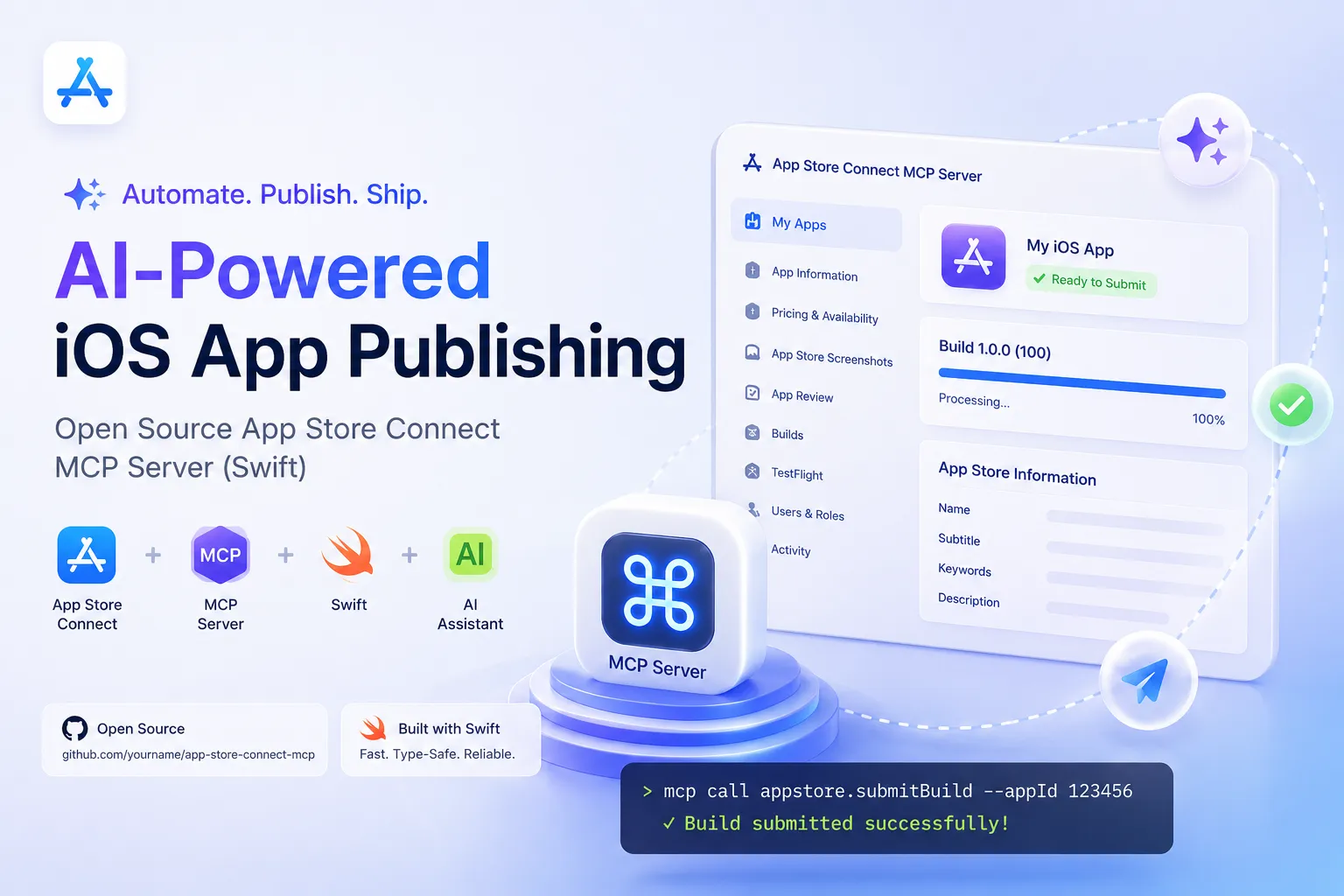
That is why I created and open-sourced appstoreconnect-mcp — a Swift-based Model Context Protocol (MCP) server that hooks up the App Store Connect API directly into your AI workflow.
What is MCP?
The Model Context Protocol (MCP) is an open standard proposed by Anthropic. It allows Large Language Models (LLMs) to interact securely and uniformly with external environments, such as local filesystems, databases, or API integrations.
By setting up an MCP server, you expose a set of “Tools” to your AI assistants. AI agents can then automatically invoke these tools step-by-step to perform complex, end-to-end tasks on your behalf.
Why Swift for MCP?
As an iOS/macOS developer, choosing Swift to write this tool is a natural fit:
- Type Safety: Swift’s static type system ensures that requests, responses, and API mappings are robust and error-free.
- Unified Tech Stack: No Node.js or Python runtime overhead. The compiled native executable runs flawlessly on macOS 15+.
- Native Integration: Easy to hook up with macOS native security frameworks like Keychain or CryptoKit and interact directly with Xcode in the future.
Core Features & Agent Workflows
With 78 API tools implemented, this MCP server exposes almost all capabilities of the App Store Connect API. But it’s not just a wrapper. When combined with an AI agent, it unlocks powerful, automated workflows:
1. Automated Localization & ASO Optimization
Imagine you’ve added a new feature. You can simply instruct your AI assistant:
“Write a compelling App Store description and keywords in both English and Chinese, along with the release notes based on the new feature in our codebase, and update them on our latest App Store version draft.”
The AI agent will:
- Analyze the codebase to understand the implementation and user value of the new feature.
- Call
list_appsto retrieve your App ID. - Call
list_app_store_versionsto find the current draft version. - Call
update_app_store_version_localizationsto upload the generated descriptions, keywords, and release notes across all locales.
No browser tab required.
2. TestFlight Hands-Free Submissions
After submitting a build through Xcode or CI/CD, you can prompt your assistant:
“Monitor our latest uploaded build. Once processed, set export compliance to false, write the release notes, and submit it for TestFlight beta testing.”
The AI agent will poll list_builds for the status. As soon as it’s ready, it executes update_build_export_compliance and update_build_testing_info to push the update to your beta testing groups.
3. Quick Subscription & IAP Generation
Instead of navigating multiple nested pages to configure In-App Purchases (IAP) or renewable subscriptions, you can tell the AI:
“Create a non-consumable IAP with ID
com.mytech.pro. Set display name to ‘Pro Lifetime’ in English and ‘专业版永久解锁’ in Chinese. Price it at $9.99.”
The AI agent will run the corresponding APIs to create the purchase and associate localizations in one go.
4. Direct Provisioning Management
AI can automatically execute register_bundle_id, register new test devices via register_device, and generate provisioning profiles for local compilation. This is a massive timesaver when configuring new environments or onboarding team members.
5. Introducing Agent Skills: Hardcoding Expert Apple Domain Knowledge
Exposing raw API tools is only half the picture. Without guidance, AI agents can easily trigger cryptic Apple API errors (such as trying to set whatsNew on a v1.0 release, resulting in a 409 error) or generate sub-optimal metadata (like leaving keywords too short in Asian markets, wasting search indexing slots).
To address this, appstoreconnect-mcp ships with Agent Skills (located under the skills directory) that feed strict optimization checklists and rules directly into your LLM’s context.
A prime example is the appstoreconnect-translation skill, which enforces:
- Primary Locale Parity: Ensures any field populated in the primary locale (such as
supportUrl) is never left blank in secondary locales to avoid App Store submission rejections. - ASO Keyword Density Rule: Because Chinese, Japanese, or Korean translations are structurally denser than English, direct translations often leave keywords far below the 100-character limit. The skill instructs the AI to automatically brainstorm synonyms and long-tail terms to fill 80-100 characters, maximizing search index potential.
- API Workarounds: Safely handling first-release (v1.0) constraints and resolving duplicate app name conflicts (
DUPLICATE_NAME) by appending localized suffixes.
Before performing any action, the AI reads these rules, transforming your general assistant into a seasoned iOS release expert who knows the exact constraints of the Apple ecosystem.
Getting Started
Integrating appstoreconnect-mcp into your workflow is quick and easy.
1. Installation
Run the interactive installer in your terminal:
curl -fsSL https://raw.githubusercontent.com/jihongboo/appstoreconnect-mcp/main/install.sh | bashThe script will download the latest binary, link it to /usr/local/bin, detect installed MCP clients (like Claude Desktop, Cursor, Windsurf, etc.), and automatically configure them.
Alternatively, install via Homebrew:
brew install jihongboo/tap/appstoreconnect-mcp2. Configuration
Request an API key in your App Store Connect Portal and define the credentials in your MCP config file (e.g., mcp_config.json):
{
  "mcpServers": {
    "appstoreconnect-mcp": {
      "command": "appstoreconnect-mcp",
      "env": {
        "APP_STORE_CONNECT_ISSUER_ID": "Your Issuer ID",
        "APP_STORE_CONNECT_PRIVATE_KEY_ID": "Your Key ID",
        "APP_STORE_CONNECT_PRIVATE_KEY_PATH": "/Users/username/keys/AuthKey_xxxx.p8"
      }
    }
  }
}
3. Diagnostics
Run a diagnostic test in your terminal to verify API authentication:
appstoreconnect-mcp --testConclusion
In the era of AI Agents, writing code is becoming faster and easier, but distribution remains a tedious bottleneck. appstoreconnect-mcp extends the boundaries of AI assistants from “writing code” to “automating distribution”.
If you are tired of the slow App Store Connect web interface and repetitive distribution tasks, give it a try. Feedbacks and contributions are welcome at GitHub Repository!
Discussions
Comments are powered by GitHub Discussions. Sign in with GitHub to participate.